
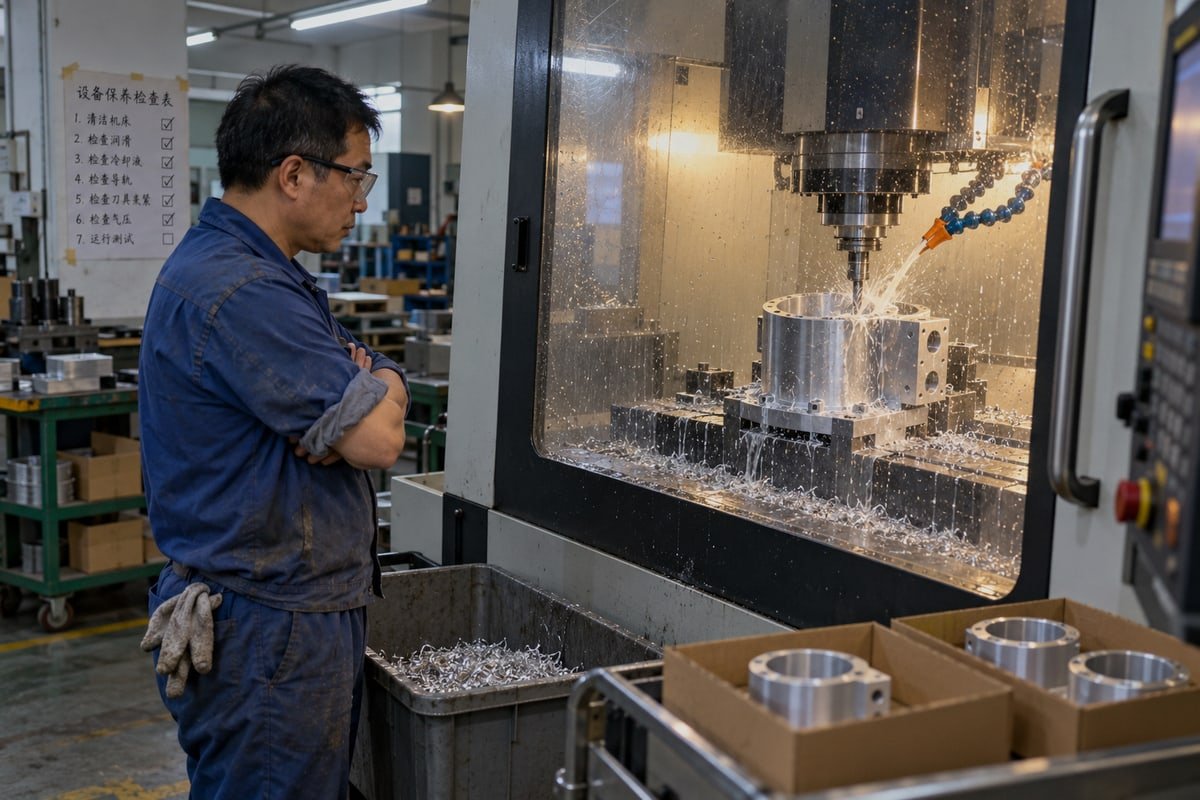
Poorly planned CNC tool paths quietly eat our margins in Dongguan: slow cycles, chatter marks, drifting dimensions. I have scrapped batches over it. Optimizing the path fixes the root cause.
To optimize CNC tool paths, keep tool engagement constant with adaptive or trochoidal roughing, use the largest rigid tool first, add rest machining, smooth entries and corners, cut air moves, match finishing to surface shape, and verify everything in CAM simulation before running.
That is the short version. The long version matters more, because every one of those steps has a trade-off. Below I walk through the four questions our customers ask most often. I will use real parts from our floor as examples, and I will tell you where the popular advice breaks down.
How can I optimize CNC tool paths to reduce machining time without sacrificing precision?
Last year our inspector flagged a batch of aluminum housings for hole-position drift. The program ran fast. It also plunged into every pocket and shook the fixture.
You reduce machining time without losing precision by roughing with the largest rigid tool, using adaptive clearing for constant tool engagement, adding rest machining for corners, eliminating air cutting and retracts, and reserving slow, fine passes only for toleranced surfaces.
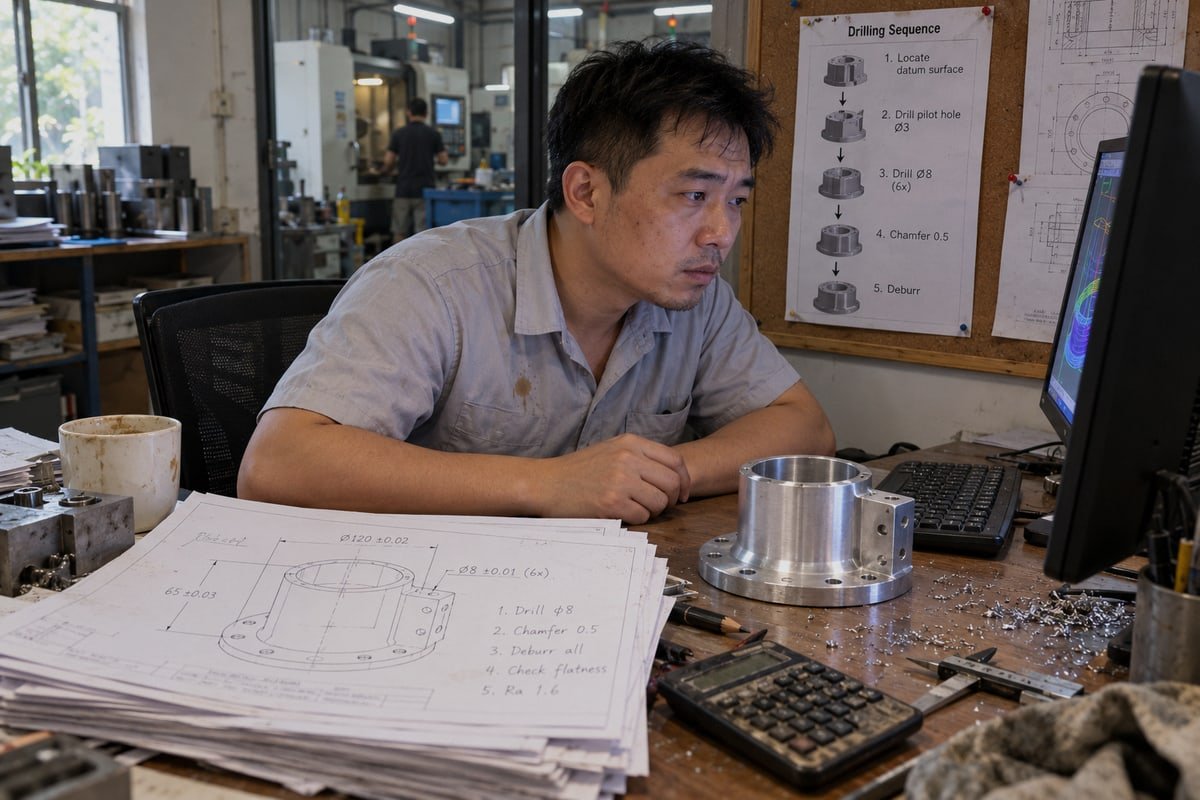
That housing taught me something. Speed and precision are not enemies. Unstable cutting force is the enemy of both. When the tool bites a full-width slot, then skips through air, then slams into a sharp corner, the load spikes. The spindle deflects. The part moves in the vise. You lose time and accuracy at the same moment. So the first job in any cycle time reduction effort is to make the load boring and predictable.
Where the time actually goes
I ask our programmers to split every cycle into three buckets: cutting time, air time, and transition time. Air time includes rapids, retracts to a safe plane, and trips back to home between operations. On a part like our cylindrical housing, which has a flared base rim full of small drilled holes and a bracket bore inside, air time can be a surprising share of the total. Fixing it costs nothing in precision. We order the holes to minimize travel, keep the drill down between neighbors when clearance allows, and set approach heights just above the stock instead of at a fixed high plane. Raising the rapid rate does little if the machine never reaches it before it must decelerate again.
Engagement beats raw speed
The material removal rate 1 is roughly axial depth multiplied by radial width multiplied by feed. Conventional roughing takes shallow depth and heavy width. High-speed machining flips that. It takes deep axial cuts with a light radial step. Adaptive clearing strategies keep that radial step nearly constant, even around corners, so the cutter never sees a sudden full bite. The chip load stays even. Forces stay even. Some industry sources claim 40–60% cycle time reductions from this approach. I treat that figure as an upper bound for ideal cases. On an older machine with weak acceleration, a path full of tiny arcs can crawl, and the gain shrinks. The strategy still helps, but you must check what the controller actually does with it.
Large tool first, small tool second
| Step | What we do on the housing | Effect on time | Effect on precision |
|---|---|---|---|
| Bulk roughing | Largest end mill that fits the cavity, short stick-out | Removes most stock fast | Low deflection, stable wall position |
| Rest machining | CAM identifies leftover corner material only | Small tool skips cleared areas | No redundant passes rubbing finished walls |
| Semi-finish | Light uniform skin left on toleranced bores | Short, predictable pass | Equalizes load before final cut |
| Finishing | Fine stepover only on bracket bore and datum faces | Slow pass limited to few surfaces | Holds 0.01 mm where the drawing demands it |
This last point is where many programs waste hours. They finish every face with the same fine stepover. Our drawings rarely need that. We separate functional surfaces from cosmetic ones and spend the slow passes where measurement will actually happen.
What strategies help me minimize tool wear while improving CNC tool path efficiency?
Every program I sign off in our Chang'an shop carries one tension. Push feed and the cycle shortens, but carbide dies early. Back off and the spindle idles.
Minimize tool wear by lowering radial engagement with trochoidal milling or adaptive clearing, using chip thinning factor to correct feed, preferring climb milling on rigid setups, shortening tool stick-out, smoothing corners and entries, and letting the path spread heat evenly.
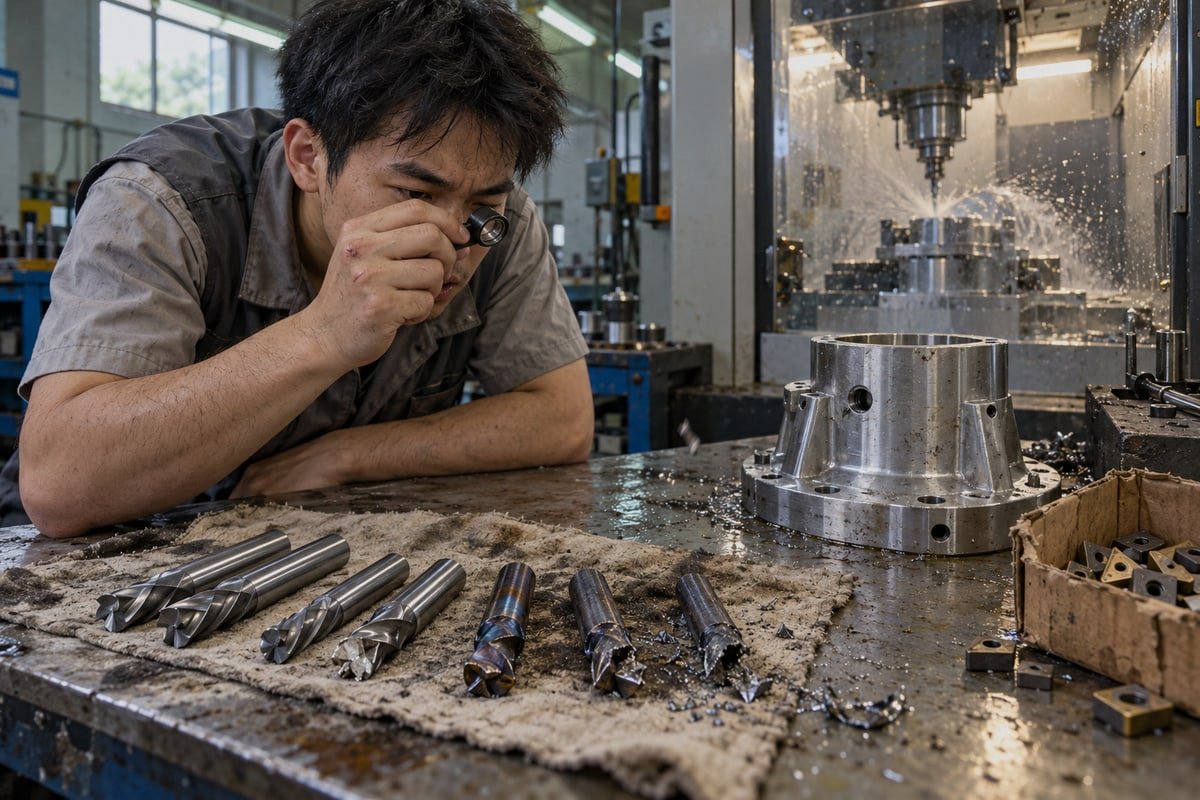
Tool wear reduction is mostly heat and shock management. A cutting edge fails in a few ways. It rubs because the chip is too thin. It overheats because one small section of the edge does all the work. It chips because the load jumps at a corner. It deflects because it hangs too far out of the holder. The tool path controls every one of those conditions. The feed rate alone does not.
Match the wear mechanism to the path fix
| Path problem | Wear mechanism | What we change |
|---|---|---|
| Full-width slotting | Edge buried, heat trapped, chips recut | Switch to trochoidal milling with small radial step |
| Low radial width with uncorrected feed | Rubbing, work hardening in stainless | Apply chip thinning factor and raise feed per tooth |
| Sharp inside corners at full feed | Load spike, micro-chipping | Round the corner transition or reduce feed locally |
| Vertical plunge into pocket | Center of tool rubs, breaks | Helical ramp entry with tangential lead-in |
| Long stick-out for deep feature | Deflection, chatter, flank wear | Larger tool with shorter reach first, small tool only for rest |
Trochoidal milling and the chip thinning factor
Trochoidal milling moves the cutter in loops down a slot. Only a small part of the edge is engaged at any moment. Peak radial force drops. Heat spreads along the whole flute length instead of one hot spot. On deep slots in stainless or titanium, this is often the difference between finishing the job and snapping a tool. There is a catch. When the radial width is small, the actual chip gets thinner than the programmed feed per tooth suggests. If you leave feed at the vendor's handbook number, the edge rubs instead of cutting. That rubbing is a wear accelerator. So we apply a chip thinning factor and increase feed to restore the true chip thickness. The result looks aggressive on paper. In practice it is gentler on the tool.
Climb or conventional?
The common claim is that climb milling 2 is always better for modern CNC. Climb milling forms the chip from thick to thin. That gives a cleaner finish, carries heat away in the chip, and reduces rubbing. On our rigid machining centers with ball screws, we climb mill by default. But I will not call it universal. On an unstable thin-wall setup, or on a machine with backlash, the tool can pull itself into the work. Conventional milling is the safer answer there. The right choice depends on rigidity, workholding, and the direction the cutting force pushes the part.
Spread the heat around
Our fan-blade workpiece, machined under two coolant streams, has thin spiral vanes. If the path finishes one vane completely before moving on, that vane heats up and the neighbor stays cold. Warping follows. We alternate between zones so heat distributes across the part. Coolant delivery aimed at the actual engagement point matters as much as the strategy. A good path with dry corners still cooks the tool.
How do I choose the right cutting parameters to optimize tool paths for complex geometries?
A German customer once sent us a spiral fan-blade part with a 0.01 mm profile tolerance. His first question was not price. He asked about stepover on the vanes.
Choose cutting parameters for complex geometries by starting from vendor feed and speed data, correcting feed for chip thinning, setting stepover from allowed cusp height, using deeper axial cuts with light radial width, matching strategy to surface slope, and testing on the real machine.
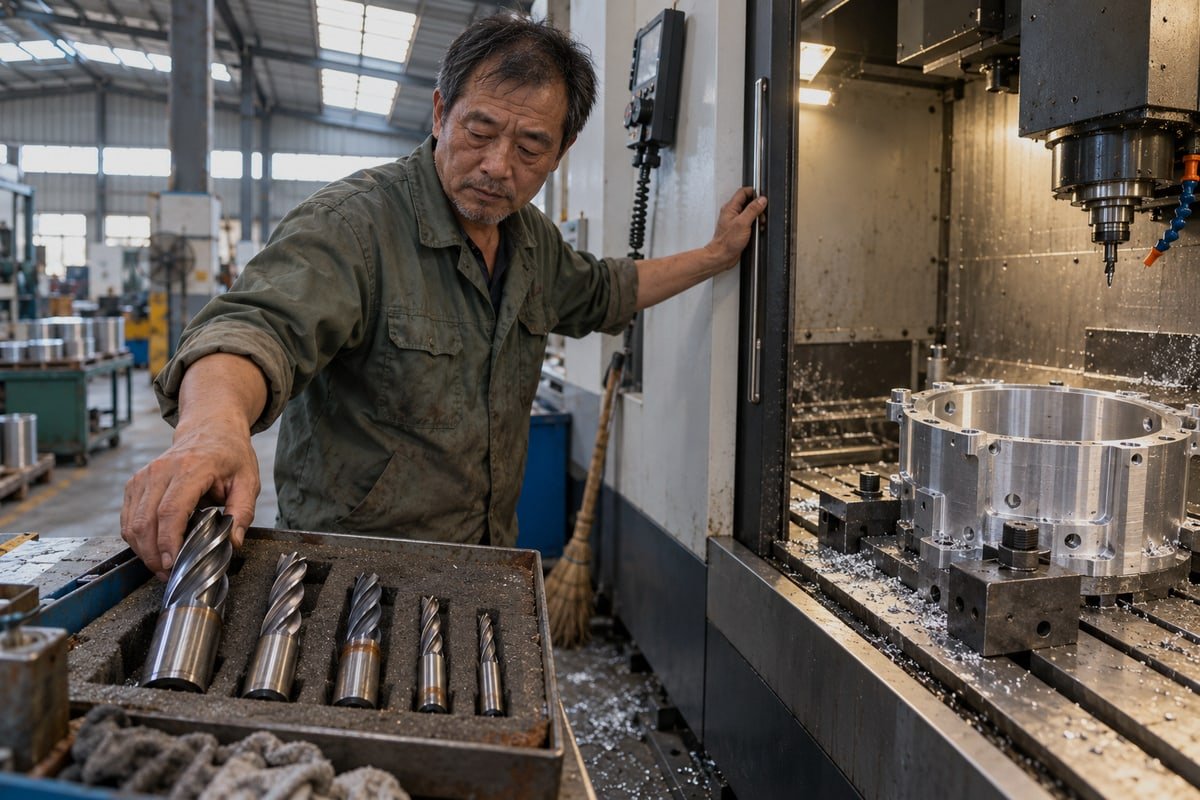
He was right to ask. On freeform surfaces, the strategy choice decides the finish before any feed number does. Here is the shortlist we use when a complex part lands on a programmer's desk.
| Geometry feature | Strategy we prefer | Why it works |
|---|---|---|
| Deep narrow slot | Trochoidal milling | Keeps radial engagement small and heat spread |
| Closed cavity or pocket | Spiral or morphing path | Few retracts, steady load |
| Steep walls | Waterline (Z-level) finishing | Even cusps on near-vertical faces |
| Shallow curved surfaces | Scallop or constant-cusp finishing | Stepover adapts to curvature |
| Internal fillets | Pencil pass | Cleans the corner without recutting the wall |
| Twisted vanes and undercuts | 5-axis side-edge machining | Uses flute side, avoids ball center cutting |
Start with feed and speed calculation, then correct it
Vendor cutting data is a starting point, not a law. We take the recommended surface speed 3 and chip load for the tool and the material, then adjust. Light radial width gets the chip thinning correction. Long reach gets a feed reduction. Thin walls get smaller axial steps. Harder alloys get lower speed and more attention to coolant. On that spiral part, we also had to think about effective diameter. A ball-nose tool cutting near its tip has almost no surface speed. The feed and speed calculation must use the diameter actually engaged, not the nominal size. Tilting the tool on the 5-axis machine put the cutting zone away from the center and solved it.
Stepover, stepdown, and surface roughness
Stepover sets the cusp height between passes. Smaller stepover means lower surface roughness 4 and longer cycle time. Constant-cusp strategies vary the stepover with curvature so the scallop stays uniform across the whole surface. A fixed stepover leaves tight ridges on steep areas and wide ones on flat areas. For cosmetic faces where directional marks are unwanted, a fractal pattern such as a Hilbert curve produces an isotropic texture with no visible lay. We use that rarely, but it exists for a reason.
Keep the controller moving
CAM output is not machine motion. If the CAM tolerance is set very tight, the software spits out thousands of tiny linear segments. The controller's look-ahead buffer fills, the machine stutters, and feed drops far below the programmed value. Finish suffers. The answer is careful G-code post-processing. We output arcs or NURBS where the control supports them, enable the controller's high-speed smoothing mode, and set a path tolerance that is a fraction of the drawing tolerance. The smoothing must never round a corner the drawing wants sharp. We check that in simulation against the CAD model before the first chip.
Can better tool path optimization help me reduce costs in low-volume and mass CNC production?
The hardest lesson from twenty years in our factory was simple. A program that runs fine for ten prototypes can bleed money across ten thousand parts. Volume changes everything.
Yes. Better tool path optimization lowers cost in both low-volume and mass production by cutting cycle time, extending tool life, reducing rework and scrap, stabilizing batch consistency, and shortening setup through simulation, while mass runs amortize the programming effort across thousands of parts.
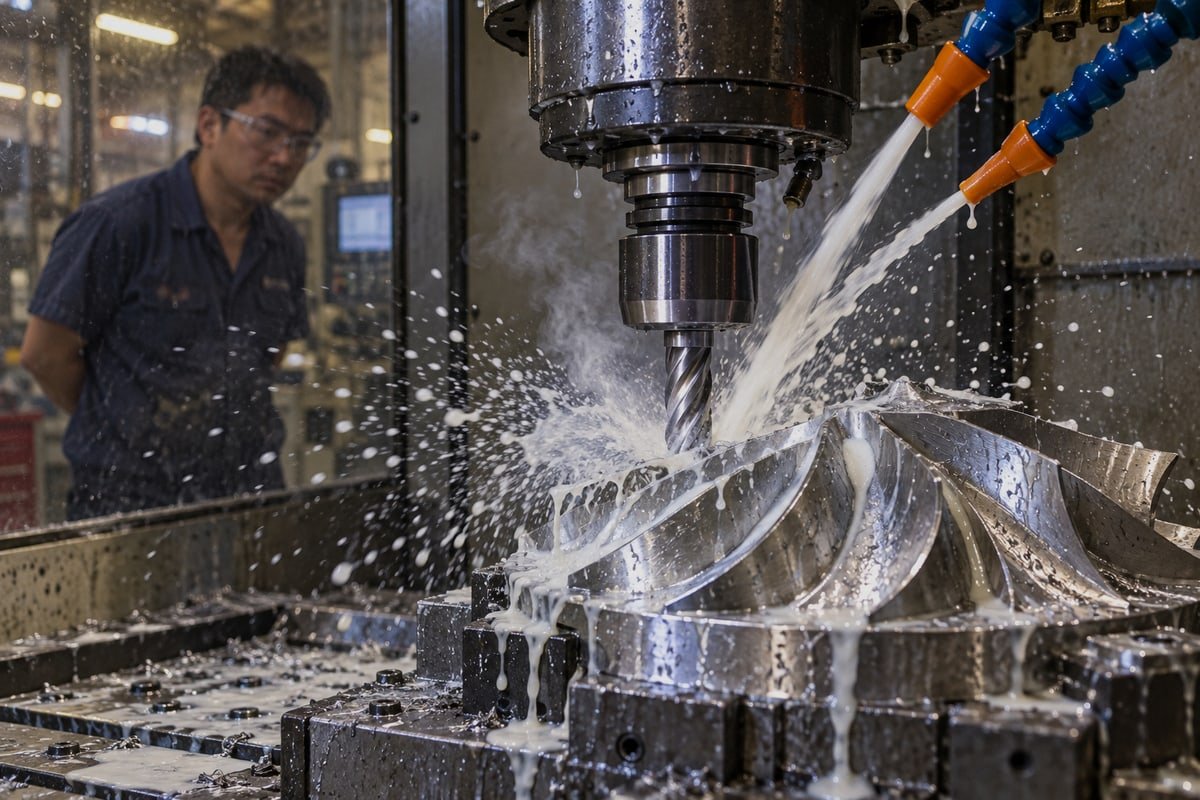
I want to be direct about what a bad path costs, because buyers often only see the quoted unit price. In our experience the damage shows up in six places: low machining efficiency, poor surface quality, unstable dimensions, high tool cost, frequent rework and scrap, and poor batch-to-batch consistency. Each one lands on a different line of the invoice. Together they explain why two shops quoting the same drawing can differ so much and why the cheaper quote is sometimes the more expensive part.
Different volumes, different priorities
| Factor | Low-volume and prototypes | Mass production |
|---|---|---|
| Programming time | Dominant cost, keep strategies simple | Small per part, worth deep optimization |
| Cycle time | Secondary | Primary driver of unit price |
| Tool life | Matters less, few parts per edge | Critical, measured in parts per tool |
| Consistency | First article must pass | Every shift must match the first article |
| Simulation | Prevents a crash on a one-off fixture | Prevents a crash that stops a whole line |
| DFM feedback | Fixes design issues early | Removes seconds that multiply by thousands |
For a prototype mold base like the aluminum block in our portfolio, with stepped pockets, alignment pins, and dozens of bores, we optimize for a safe first run and a fast turnaround. Our 5-day lead time depends on programs that simulate cleanly and run without surprises. For a repeating housing order, we go further. We shave retracts, consolidate tools, and track tool life per edge, because each second saved returns thousands of times.
Objections I hear, and how we answer them
Buyers sometimes push back on simulation and automation. One says CAM software simulation 5 cannot capture tool runout, loose fixtures, or a tired spindle. That is true. So we never treat the simulated cycle time as the real one. We simulate the full setup, including holders and clamps, compare the virtual part to the CAD model with a deviation color map, and then cut a first article and measure it. Another says AI-driven parameter tools need clean historical data and can suggest unsafe values outside their training range. Also true. Our approach is human in the loop. We use spindle-load monitoring and adaptive feed control that slows the machine when load crosses a threshold, and acoustic emission sensing where chatter is a risk. A machinist still interprets the chips, the sound, and the fixture behavior. Automation explores options. People approve them.
What we measure before calling a path better
A shorter cycle is not automatically a cheaper part. We record total cycle time, cutting time versus air time, tool life in parts, surface roughness, dimensional deviation on toleranced features, scrap and rework count, and spindle load. Under our ISO 9001:2015 6 system, the dimensional records travel with the batch, which is what our inspection reports are built from. Then we change one major variable at a time. If a slightly slower path doubles tool life and ends the mid-shift dimension drift, that path wins. Stable CNC tool paths are what make a sample and the thousandth part look the same.
Conclusion
Bad CNC tool paths waste hours, tools, and parts. The fix is stable engagement, smooth motion, verified simulation, and measured results. Send us your drawing; we will review the path.
Footnotes
1. Scientific resource defining material removal rate and its importance in engineering and machining efficiency. ↩︎
2. Technical reference explaining the mechanics and advantages of climb milling in modern CNC operations. ↩︎
3. Comprehensive guide to cutting speeds and feeds, essential for optimizing tool path parameters. ↩︎
4. Official government resource for manufacturing standards and metrology research in the United States. ↩︎
5. Global authority for engineering standards, including research on computer-aided manufacturing and automation. ↩︎
6. Official ISO page for the quality management standard used to ensure consistent manufacturing output. ↩︎

 हिन्दी
  English
  Italiano
  Français
  日本語
日本語  Deutsch (Sie)
  Español
  Русский
  العربية
  Български
  Čeština
  Dansk
Dansk  Suomi
Suomi  עִבְרִית
  Nederlands
  Português
  Română
  Slovenčina
  Svenska
  ไทย
ไทย  Tiếng Việt
  Türkçe
  Slovenščina